Scroll recordings to text
Record your screen while you scroll through a chat, an article or a document. Scrollscript reads the recording on your iPhone and gives you the whole thing as text.
 US$4.99 once. No subscription, no account. iPhone, iOS 18 or later.
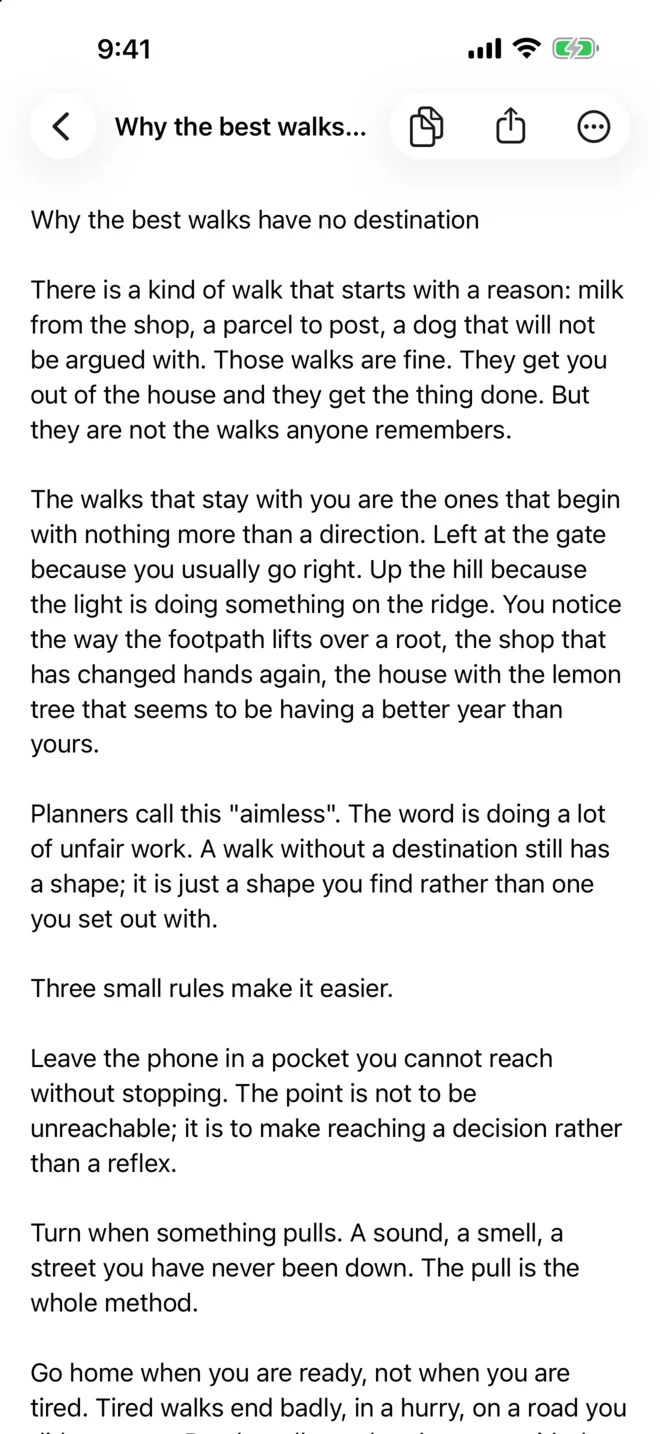
How it works
Record your screen
Start a screen recording from Control Centre, then scroll steadily through the chat, article or document. Ten to twenty seconds covers a lot of text.
Choose the recording
Open Scrollscript and pick it from Photos, open it from Files, or send it straight from the share sheet.
Get the text
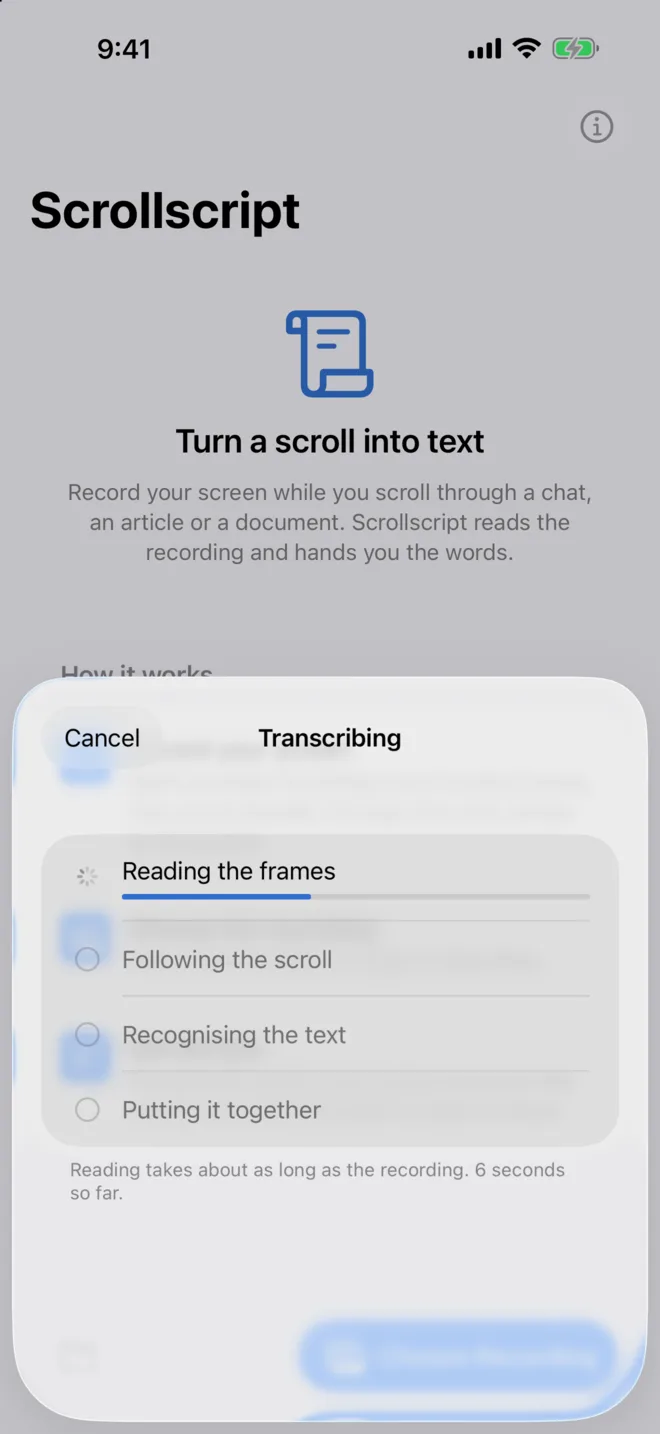
Scrollscript reads every frame, works out how far the page moved, and joins the words into one transcript to copy or share.
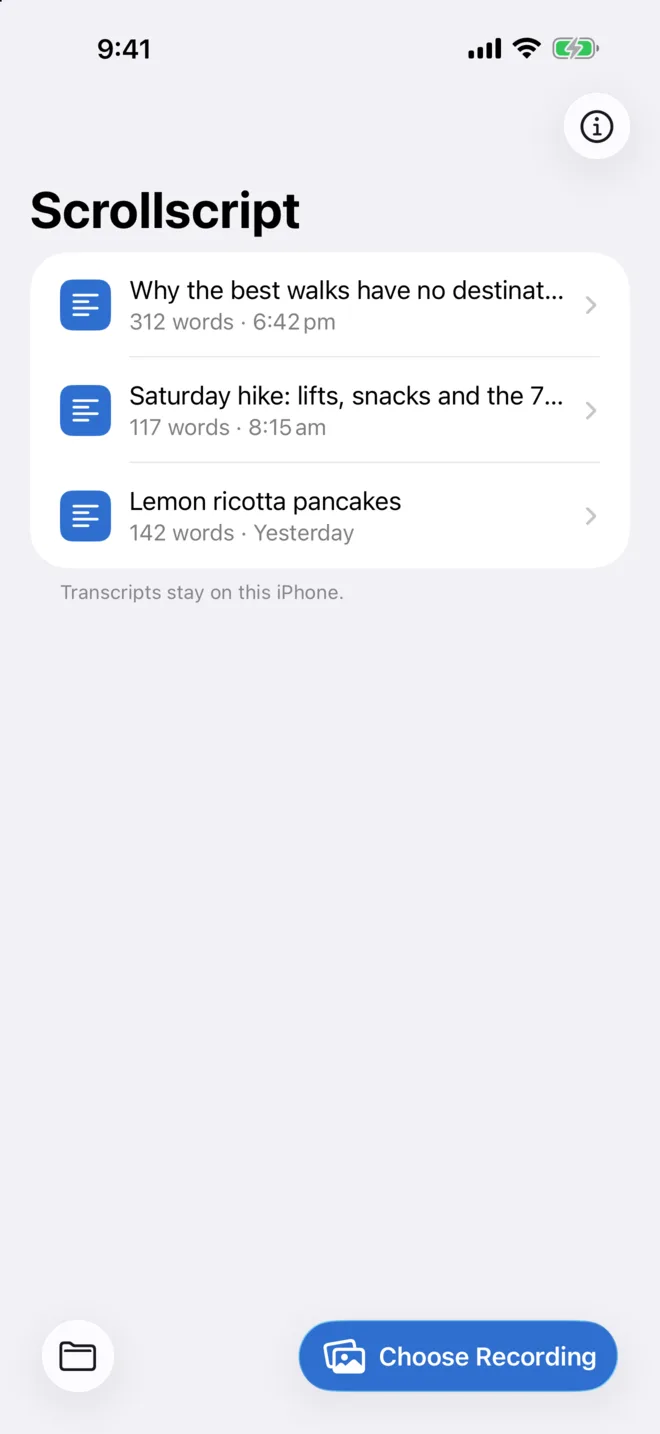
What it looks like
What it reads
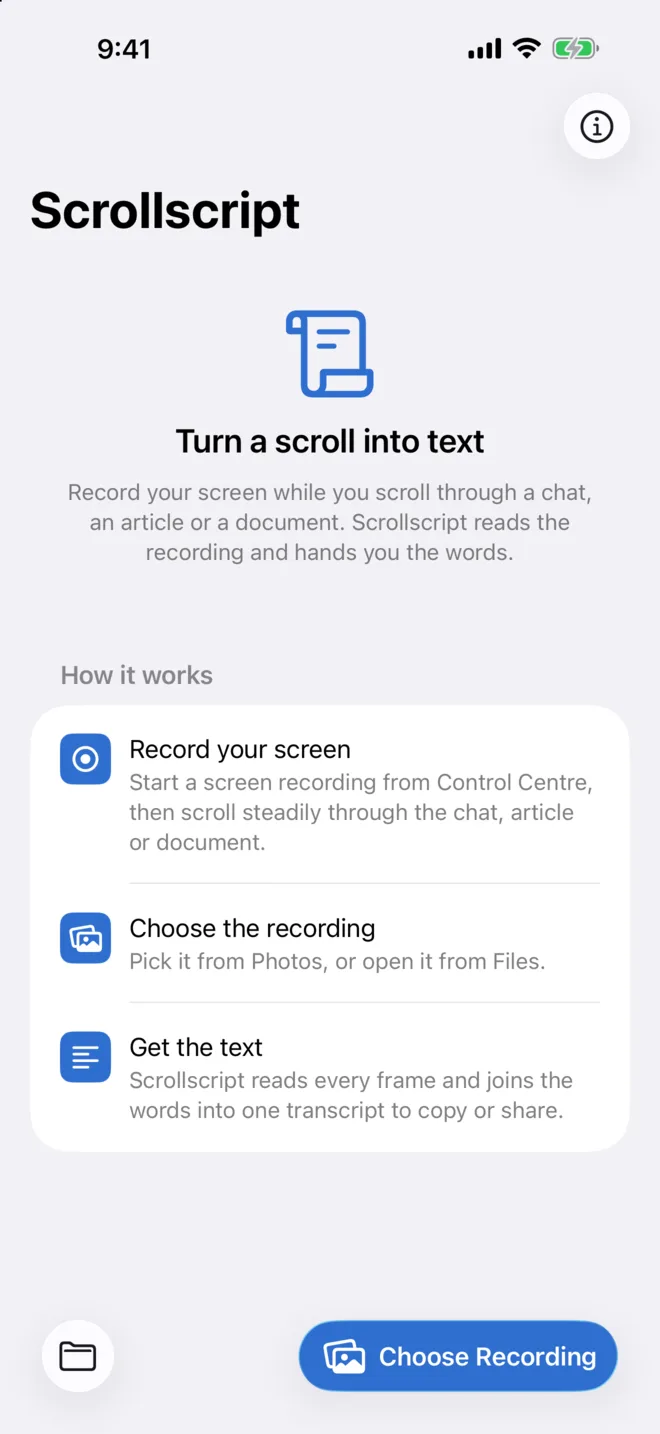
- Chats with bubbles, timestamps, read receipts and reactions
- Articles, threads and feeds, including content that loads as you scroll
- Documents and PDFs, including lines broken with a hyphen
- Light and dark mode, any scroll speed, scrolling back up, variable frame rate recordings
What to expect
- Reading takes about as long as the recording. A 20 second clip is a short wait, not an instant one.
- Lines seen in several frames are checked against each other, so compression smudges rarely make it into the text.
- Code blocks and unusual glyphs are read less reliably than prose.
- If a recording jumps between places that never overlap, the transcript keeps those parts as separate sections.
Everything stays on your iPhone
Scrollscript has no account, no analytics and no network access. Apple's on-device text recognition reads the frames; the app works out the scrolling and merges the lines. Recordings are never uploaded, and transcripts live in the app until you delete them.
Questions
- Why not a long screenshot?
- A stitched screenshot is still a picture. Scrollscript gives you the words, so you can search, quote, paste into notes or hand them to another app.
- Does it work on any app?
- Anything you can scroll and screen-record: Messages, Safari, Notes, Mail, PDFs, social feeds. It drops the status bar, headers, tab bars and input fields on its own.
- Which languages?
- Whatever Apple's text recognition reads on your iPhone, with English the best tested. Right-to-left scripts and vertical text are not supported.
- Is there an iPad or Mac version?
- Not yet. It is an iPhone app, and it runs on an iPad in iPhone compatibility mode.
- Something read wrong?
- Email hello@lotlsoft.com with the recording if you can share it. Lotlsoft is one person, so replies come from the person who wrote the app.